 MicroNotch

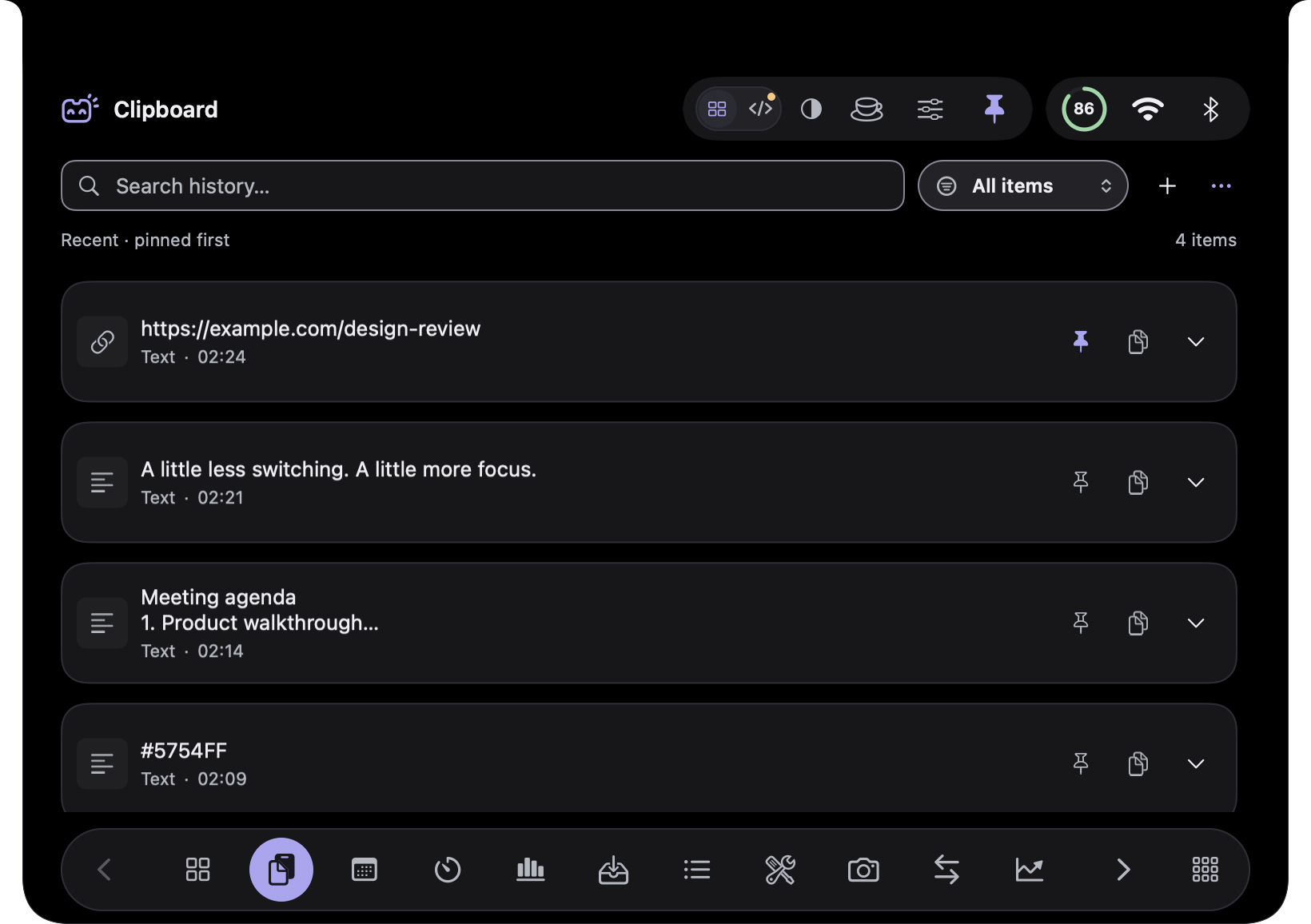
Clipboard history
Find a link you copied earlier and pin it for next time.
Dictate a reply, find a link you copied or start a timer from the top of your Mac screen.
Developer ID signed · Notarised by AppleRequires macOS 15 Sequoia or later
Free 3-day trial · Start in the app · No card required
£14.99 launch price · £19.99 after · Two Macs · One payment · Every future version included
Play a sample track, check the next event or tick off a reminder. Try the display settings to change Home’s layout or tint.
Try the tools with sample content. Greyed-out tools are available in the app. No access to your files, clipboard or accounts.Hold Fn to dictate a quick reply in the app you’re using. Let go when you’re done.
Explore MicroVoiceYour words, right where you need them.
English dictation. The local model is about 345 MB. See setup requirements
Pin up to six favourites to keep them handy.
Explore all toolsFind a link you copied earlier and pin it for next time.
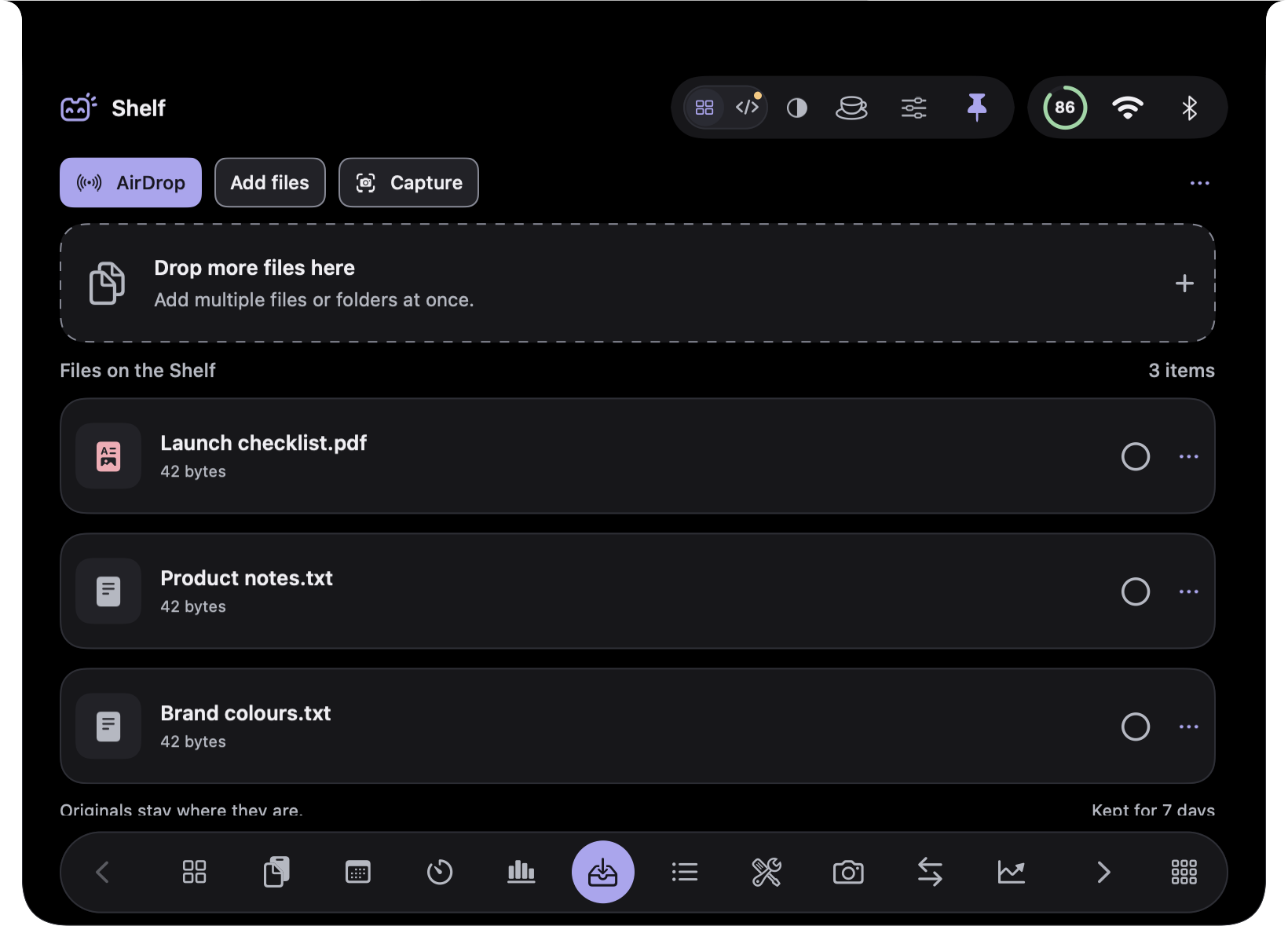
Keep a few files together until you’re ready to send them.
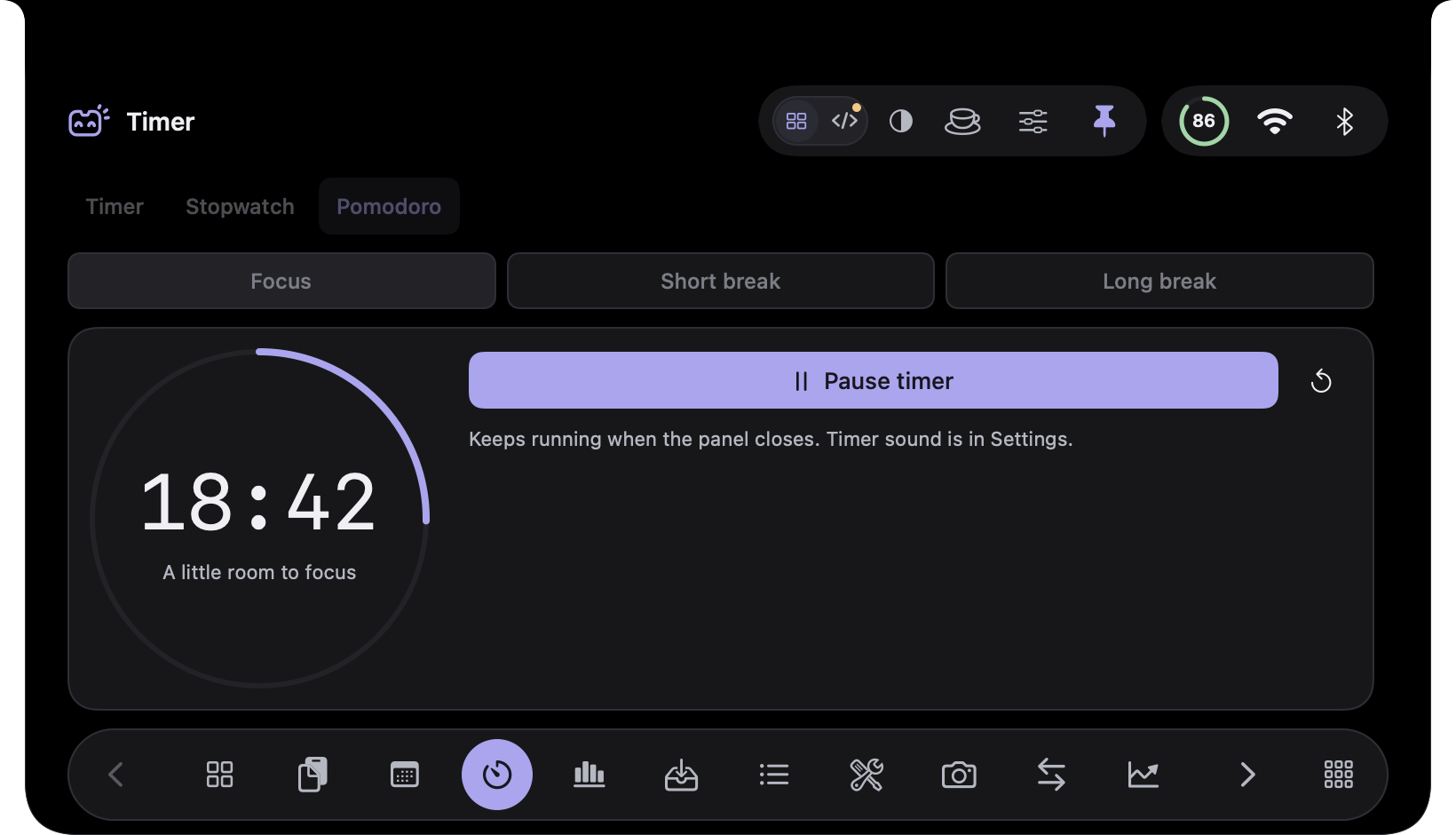
Set a timer and carry on while it counts down.
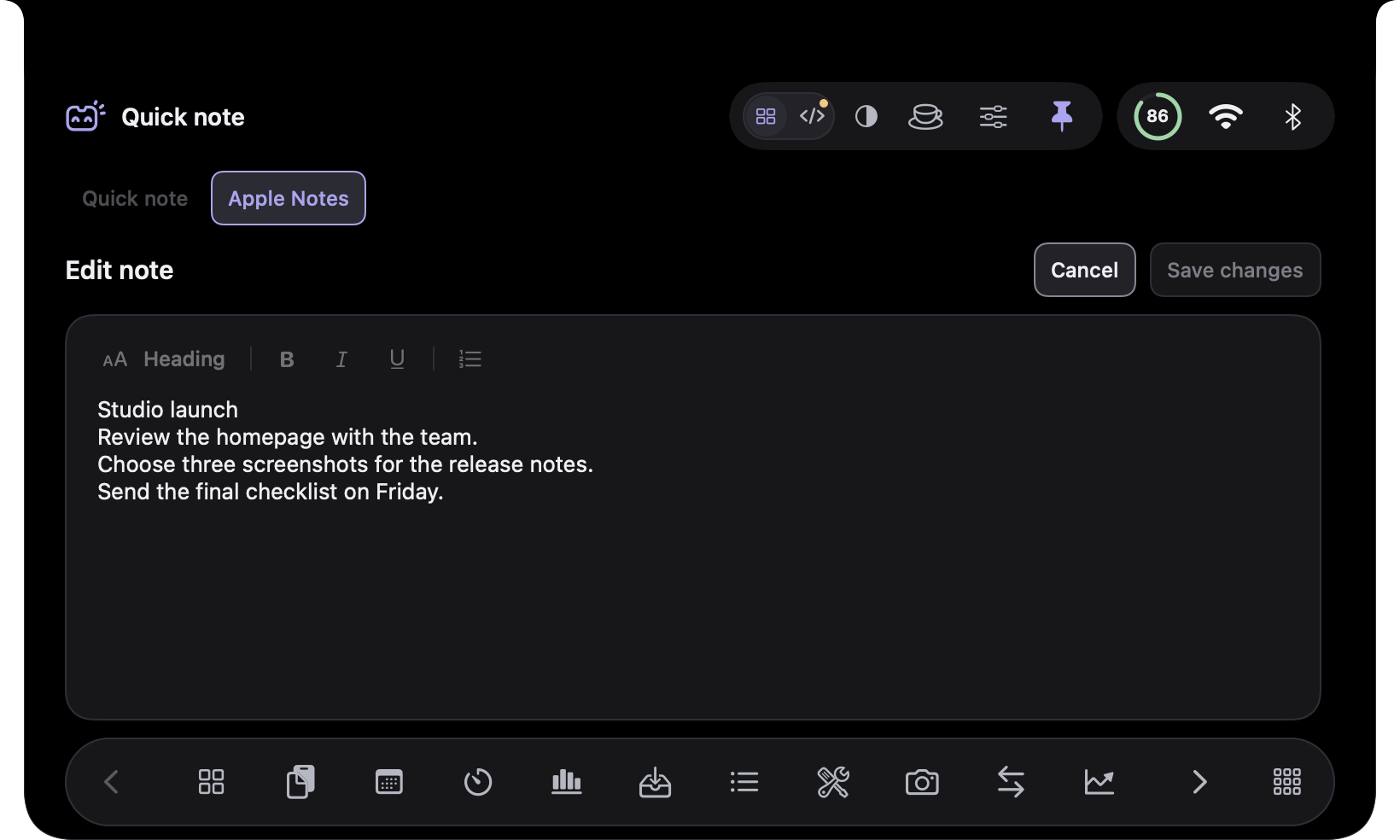
Jot something down and come back to it later.
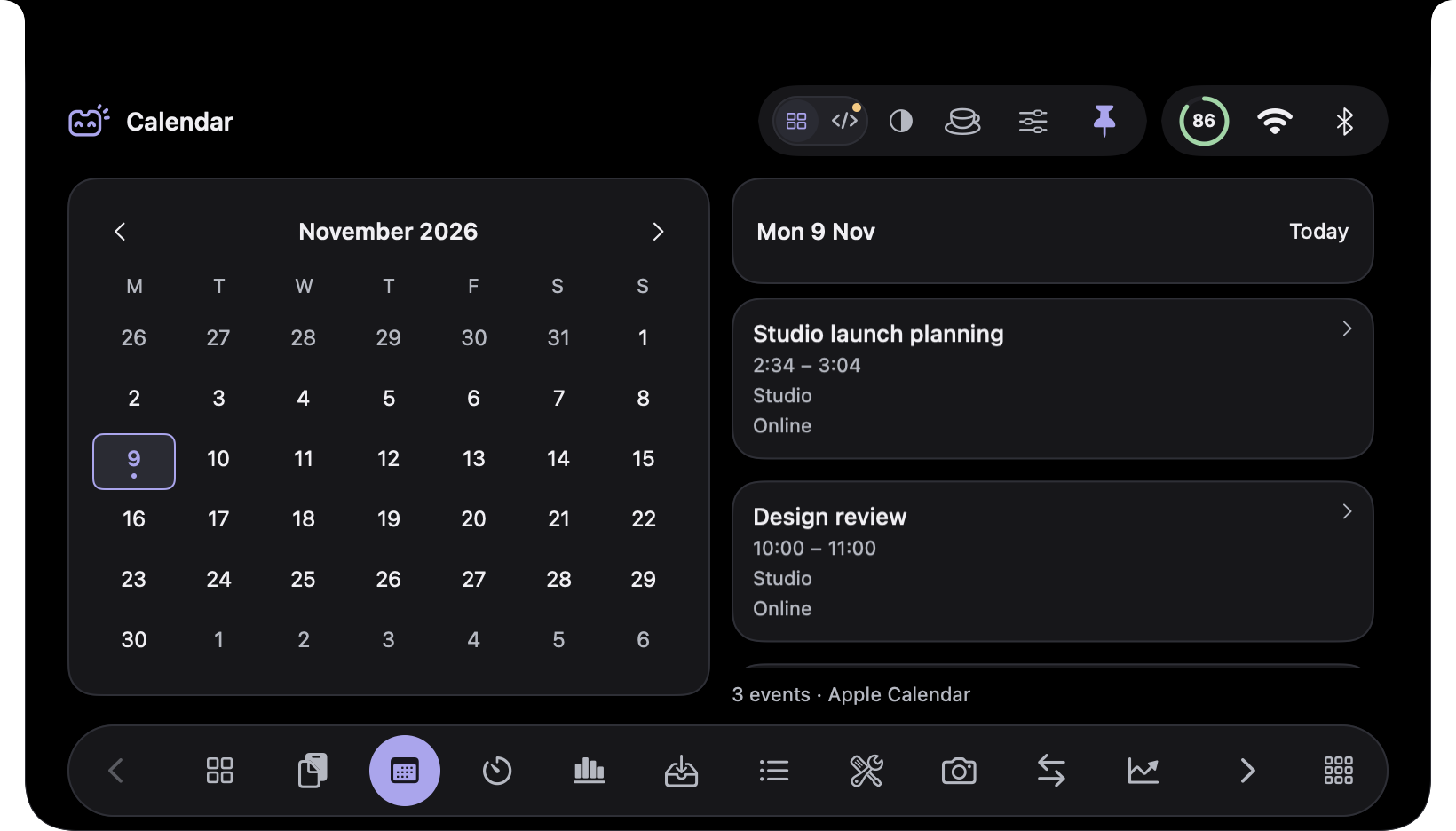
Check what’s next without opening Calendar.
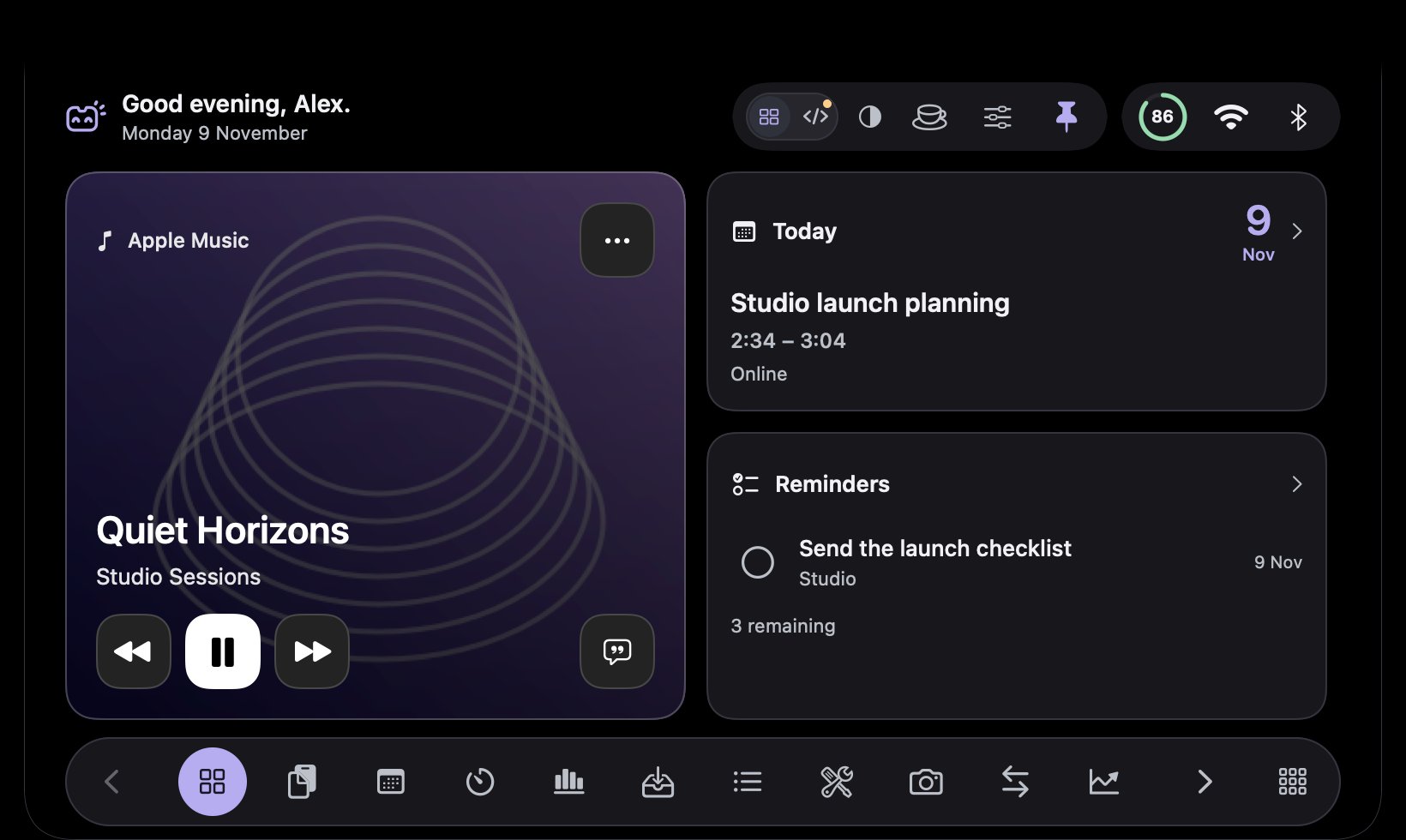
Pause or skip in Apple Music or Spotify.
Stay with your editor and look up to see which sessions are running, waiting for your answer or finished.
Explore Code mode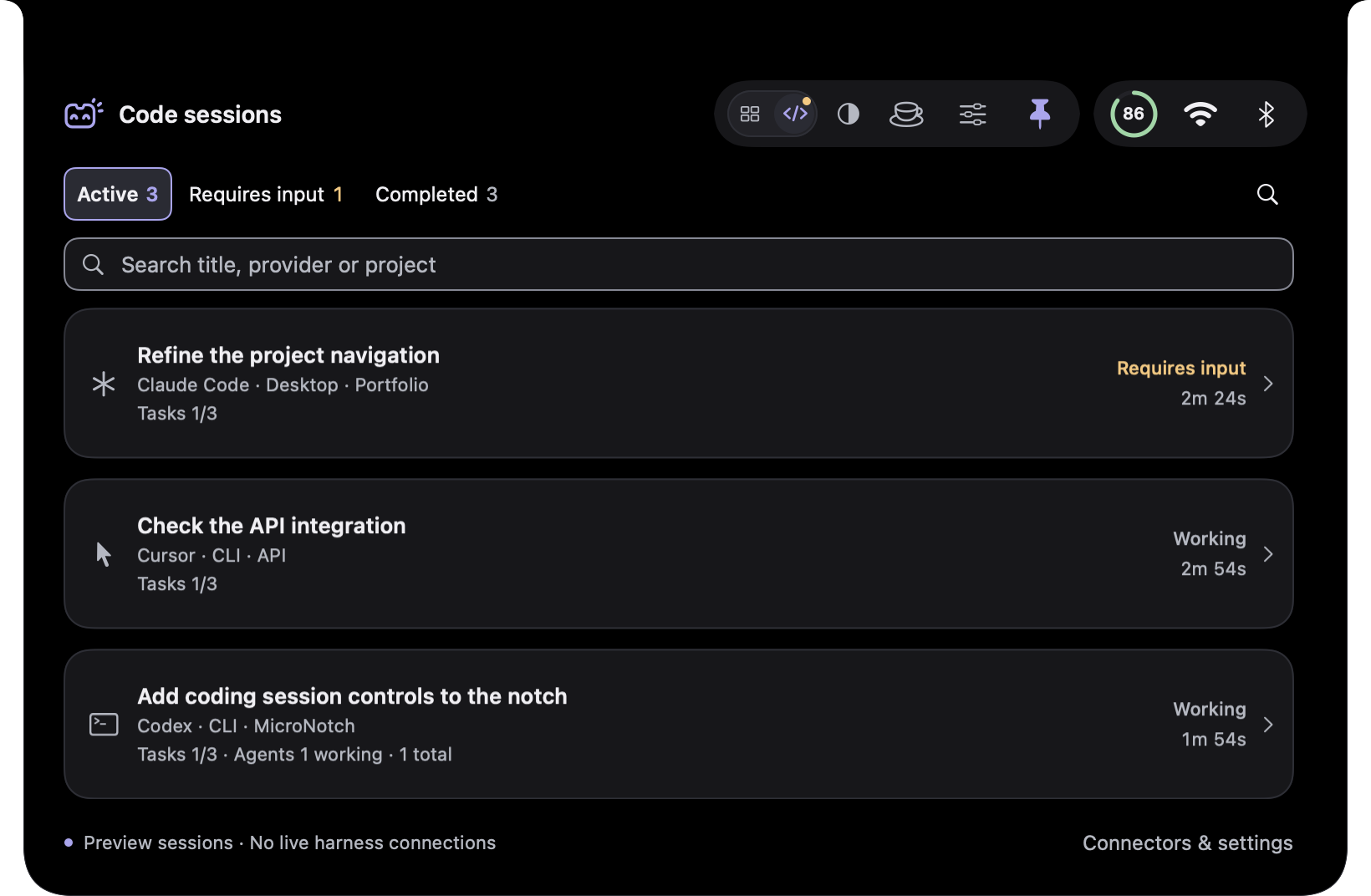
Try Comfort for larger text and more space, or choose a reading tint for the panel.
Explore appearance and reading comfort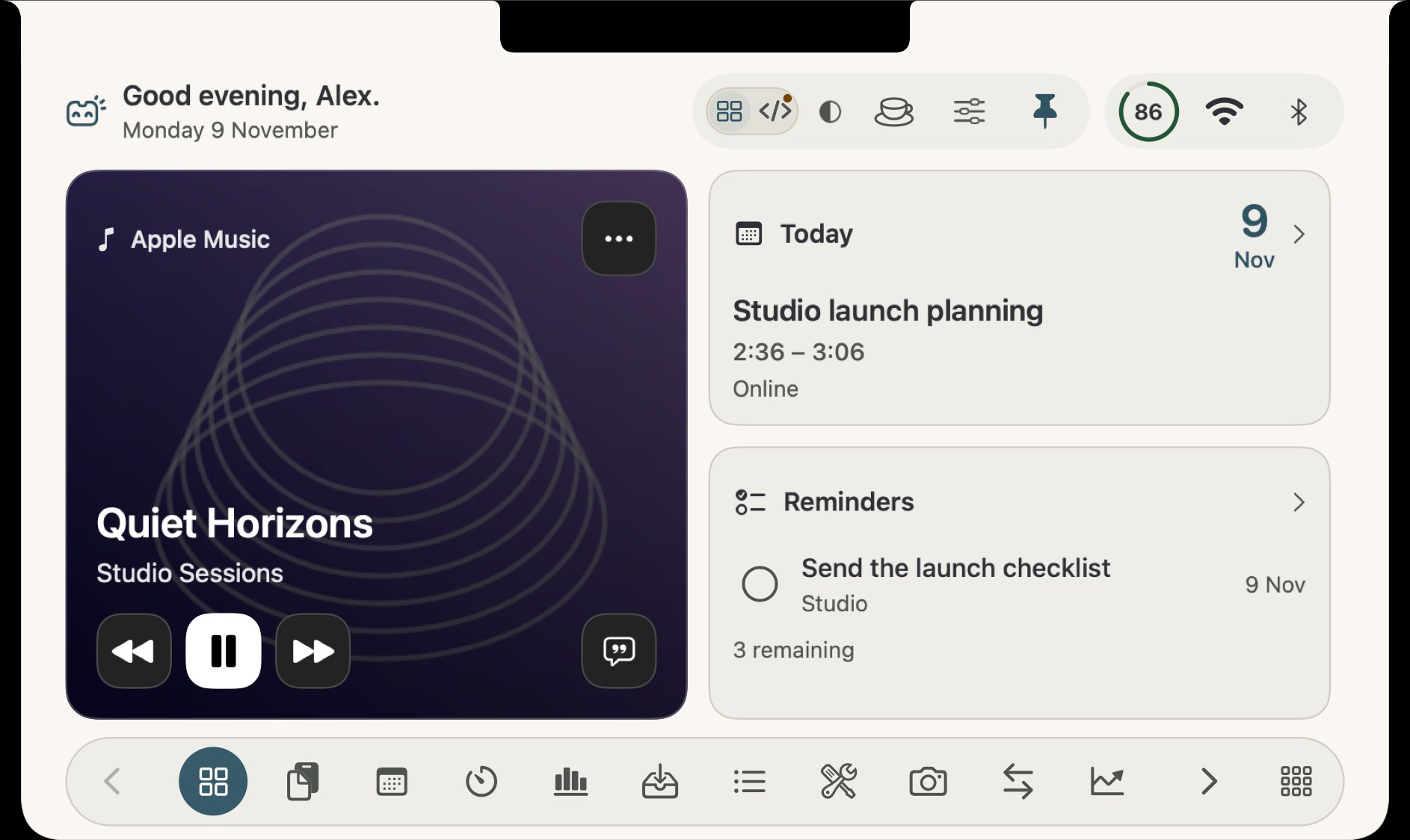
Download and install MicroNotch, then open it and choose Start three-day trial. The three days start when you activate the trial online. No card needed. See how to install MicroNotch.
Requires macOS 15 Sequoia or later. One universal download for Apple silicon and compatible Intel Macs. A built-in display notch is optional. Check Mac compatibility.
There’s no automatic charge. Your tools pause and your saved work stays on your Mac. To keep using the tools, buy once for £14.99 at the introductory price (£19.99 standard). Your licence covers up to two active Macs and includes future updates and major versions for as long as MicroNotch is offered. See pricing and licence details.
Start with the tools you want. Quick setup explains each permission and lets you skip it. You can review what you’ve allowed in Settings → Permissions. See permissions and connections.
Yes. After you download the model, MicroVoice turns English speech into text on your Mac. See what MicroVoice needs.
Yes. Try Comfort for larger text and extra space. You can change text size without resizing the panel or choose a tint for the backgrounds. Compare themes and reading options.
You can follow supported sessions in Codex, Claude Code, Cursor and Antigravity. What you can do from the notch depends on the app and how you connect it. Check what works with each coding app.









Sign up for emails about product updates, new features and new products.

See supported alerts in one drawer, try the refreshed everyday tools and run MicroNotch on more Macs with macOS Sequoia support.

Set up local English dictation with MicroVoice. Check the model download, Fn gestures, clipboard behaviour and the permissions needed for text insertion.

Meet Graphite, Pure White and Comfort, roomier Home cards and independent text sizing. A closer look at the design and reading options in MicroNotch 1.1.5, Build 10.