 MicroNotch
Hold to speak
Keep Fn held while you talk. Release it to transcribe and insert your words in the active app.
Hold Fn and speak to dictate in English. MicroVoice transcribes on your Mac and can paste the result into your active app.
See your words appear English dictation. A model download is required.Your words, right where you need them.
Use a quick keyboard gesture for a short thought, or leave your hands free for something longer.
Keep Fn held while you talk. Release it to transcribe and insert your words in the active app.
Double-tap Fn to start. Press it once more when you’re finished speaking.
MicroVoice copies each non-empty transcript to your clipboard, replacing its previous contents. With Accessibility permission, it can also paste into your active app.
Choose the microphone you want to use, including a connected external microphone or camera.
MicroVoice downloads the Phonon-2 model when you enable it. The model takes about 345 MB. Transcription runs on your Mac, and MicroVoice attempts to remove temporary recordings afterwards.
MicroVoice setup and permissions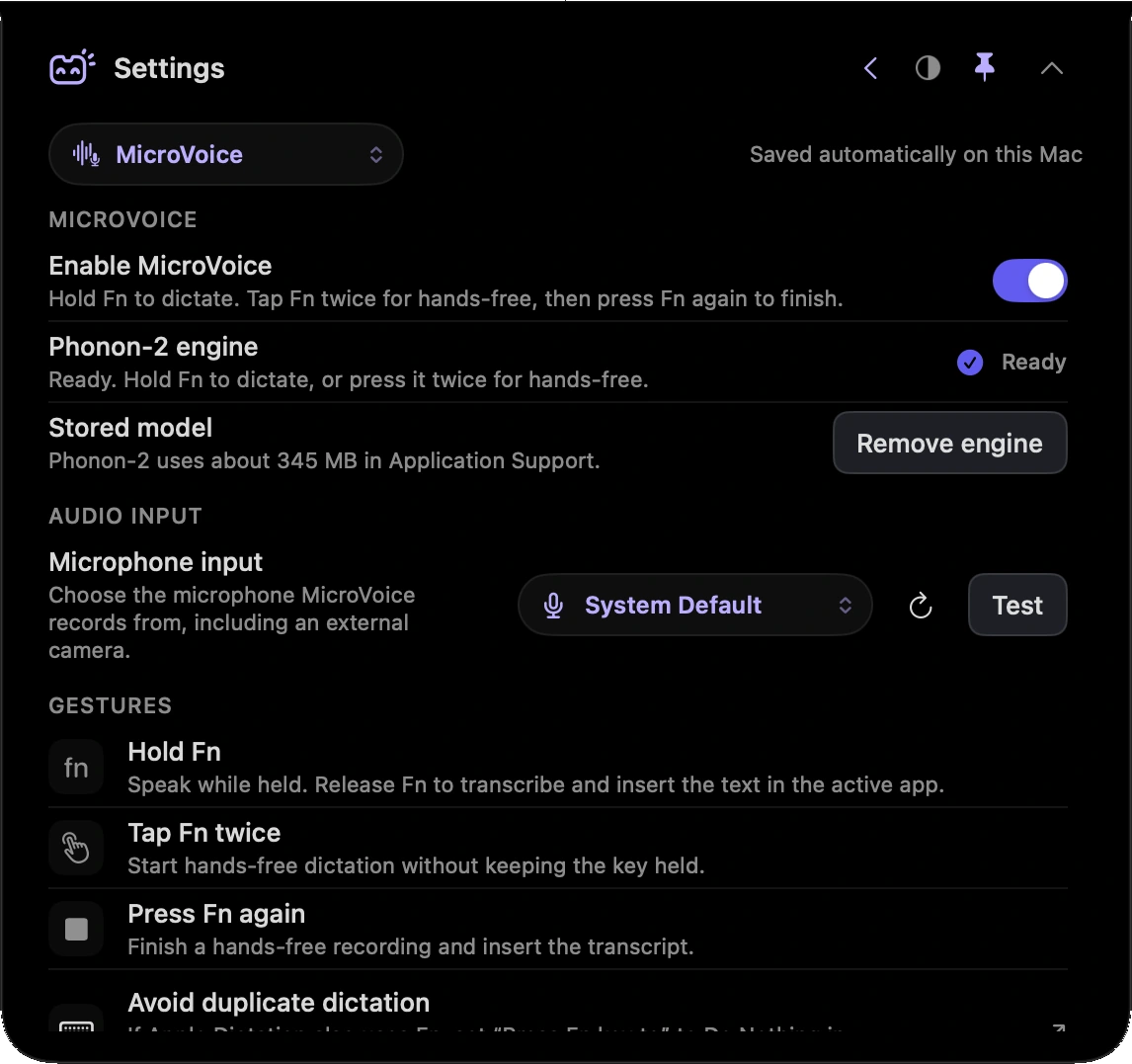
MicroVoice supports English. Download the required model, allow Microphone access and enable Input Monitoring for the Fn gesture. Accessibility permission lets it insert text into other apps. You can enable these separately in Settings. Each recording is limited to two minutes.
Join the launch list. We’ll let you know when MicroNotch is ready for your Mac.
£19.99 one-time.£14.99 early-bird for launch-list members or the first buyers.