 MicroNotch
Ask a question
Write a prompt from the notch when something needs thinking through.
Keep a small space for a question or a thought you want to work through. Ask Micro uses the on-device Apple Intelligence model on a compatible Mac.
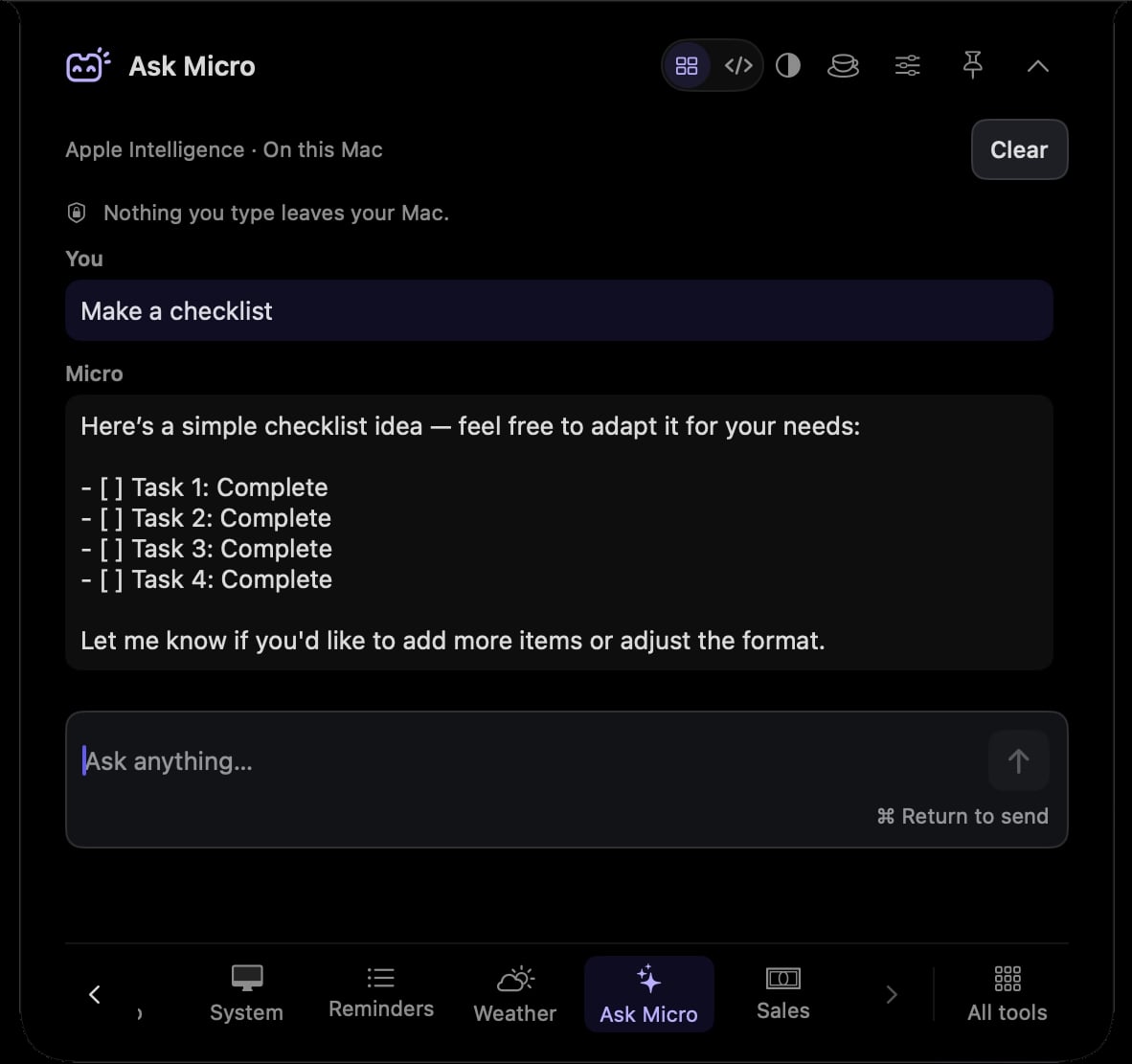
Write a prompt from the notch when something needs thinking through.
Use the response as a starting point for your own judgement.
Use the Apple Intelligence model available on your compatible Mac.
Ask a question about the idea you are trying to explain, then decide what belongs in your own words.
Give a half-formed idea a place to develop without opening a separate chat service.
Hover over or click the compact notch, use the menu-bar icon, or press Control–Option–Space. Search tools with Control–Option–K. If a shortcut is already taken, check the active shortcut in Settings.
Pin a favourite from All tools for quicker access. More about opening the notch
An answer already being generated can finish while the notch is closed and MicroNotch is running. Reopen Ask Micro to read it; the tool does not schedule future work.
Ask Micro is one of 21 tools and features in MicroNotch.
Back to all toolsSign up for emails about product updates, new features and new products.
£14.99 introductory launch price · two Macs.One-time · licence never expires · standard price £19.99. Buy MicroNotch