 MicroNotch
One simple scratchpad
Keep the note you are working with close to the rest of your Mac tools.
A name, a line of wording or the thing you must not forget. Write it in Quick note and carry on, without deciding where a new document should live.
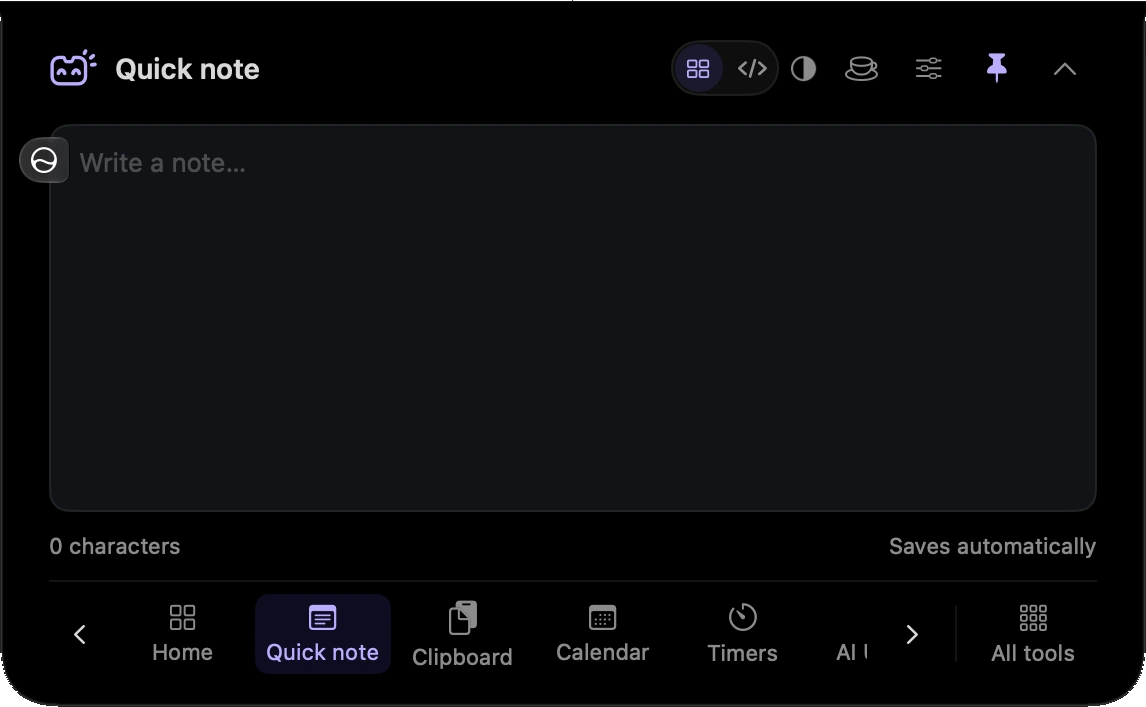
Keep the note you are working with close to the rest of your Mac tools.
Write the thought down without a separate save step.
Return to your local note when you reopen the tool.
Jot down the name or wording you need while the conversation is still in front of you.
Leave yourself a short note about where to pick up when you return.
Hover over or click the compact notch, use the menu-bar icon, or press Control–Option–Space. Search tools with Control–Option–K. If a shortcut is already taken, check the active shortcut in Settings.
Pin a favourite from All tools for quicker access. More about opening the notch
Your saved note remains available when you close the notch. There is no separate background session to leave running.
Quick note is one of 21 tools and features in MicroNotch.
Back to all toolsSign up for emails about product updates, new features and new products.
£14.99 introductory launch price · two Macs.One-time · licence never expires · standard price £19.99. Buy MicroNotch