 MicroNotch
A history to come back to
Find earlier copies of text, images and files in one place.
The link you copied is a few copies back. Open Clipboard, search your history and keep the useful bits pinned for next time.
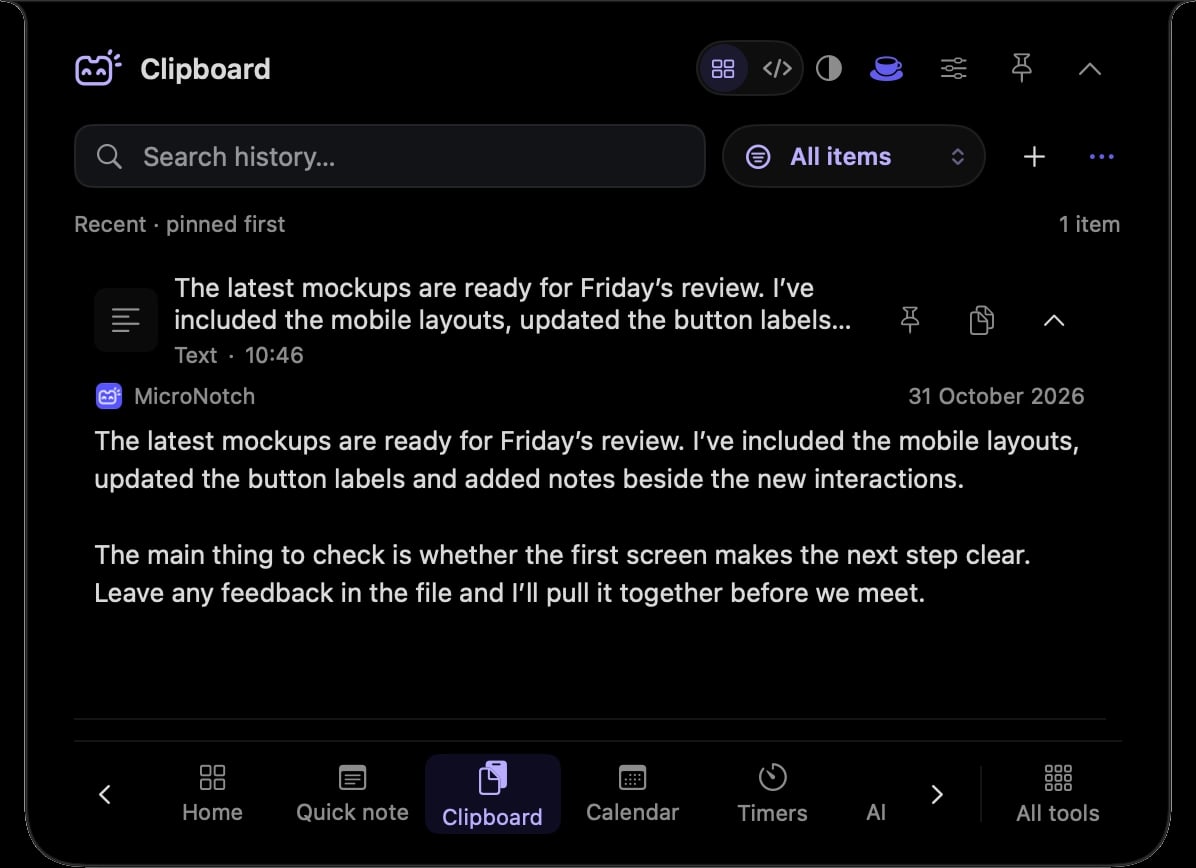
Find earlier copies of text, images and files in one place.
Look through your clipboard history instead of retracing your tabs.
Keep frequently used items easy to find.
History starts paused. Turn it on when you want it, with history stored on your Mac.
You copied a page, then a name, then an address. Search Clipboard for the earlier link without reopening everything.
Pin a useful piece of text so it is close when you need it again.
Hover over or click the compact notch, use the menu-bar icon, or press Control–Option–Space. Search tools with Control–Option–K. If a shortcut is already taken, check the active shortcut in Settings.
Pin a favourite from All tools for quicker access. More about opening the notch
Once enabled, clipboard collection works while MicroNotch is running, including when the notch is closed. Pause history when you do not want new copies collected.
Clipboard is one of 21 tools and features in MicroNotch.
Back to all toolsSign up for emails about product updates, new features and new products.
£14.99 introductory launch price · two Macs.One-time · licence never expires · standard price £19.99. Buy MicroNotch