 MicroNotch
Keep the list short
Add the tasks you want close during the day.
Some days you only need to see the next few things. Keep a small list in the notch, highlight a task and tick it off when it is done.
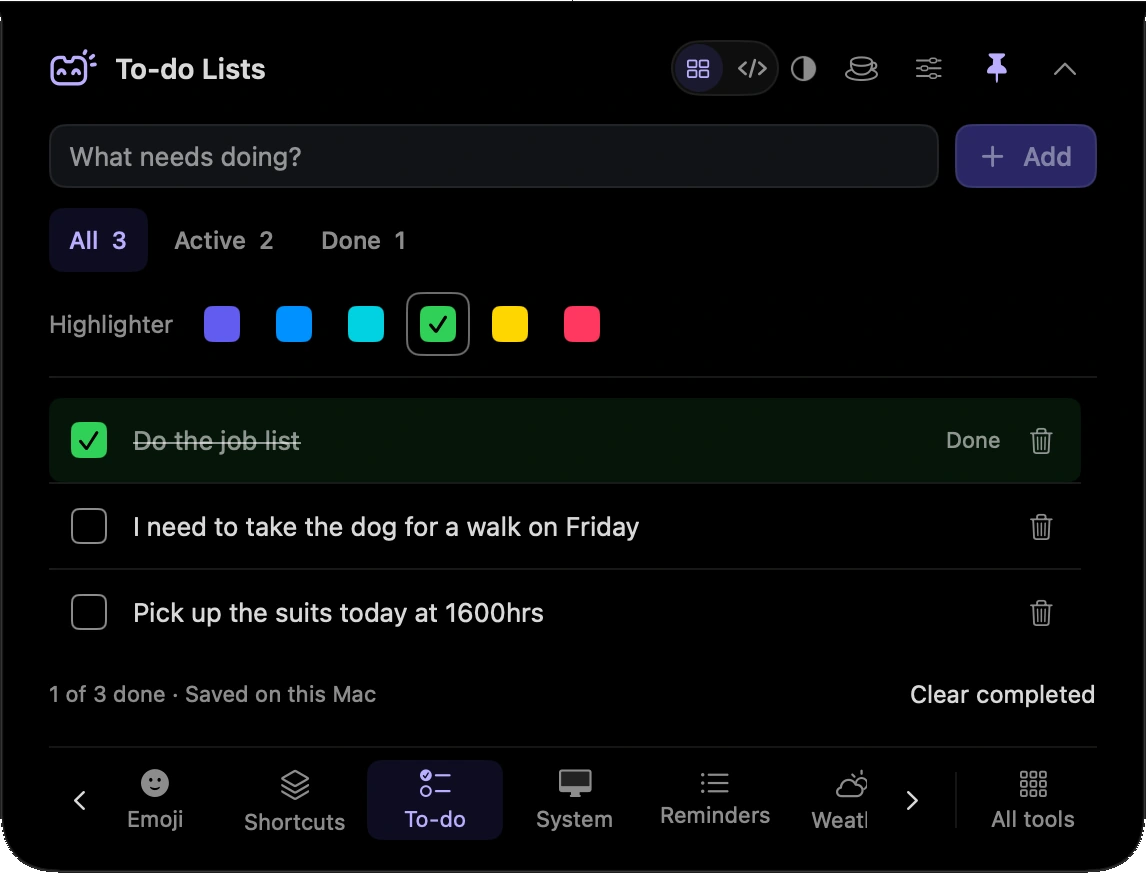
Add the tasks you want close during the day.
Give one item a little more attention.
Mark a task complete as you finish it.
Write down the few tasks you want to finish before moving on.
Highlight the task you are working on, then tick it off before choosing the next.
Hover over or click the compact notch, use the menu-bar icon, or press Control–Option–Space. Search tools with Control–Option–K. If a shortcut is already taken, check the active shortcut in Settings.
Pin a favourite from All tools for quicker access. More about opening the notch
Close the notch and return to your local list when you need it. To-do does not need to stay visible to keep the list.
To-do is one of 21 tools and features in MicroNotch.
Back to all toolsSign up for emails about product updates, new features and new products.
£14.99 introductory launch price · two Macs.One-time · licence never expires · standard price £19.99. Buy MicroNotch