 MicroNotch
See the month
Check dates from a compact calendar view.
Before you start something new, see what is coming up. Keep a month view and upcoming events close, using the calendars already on your Mac.
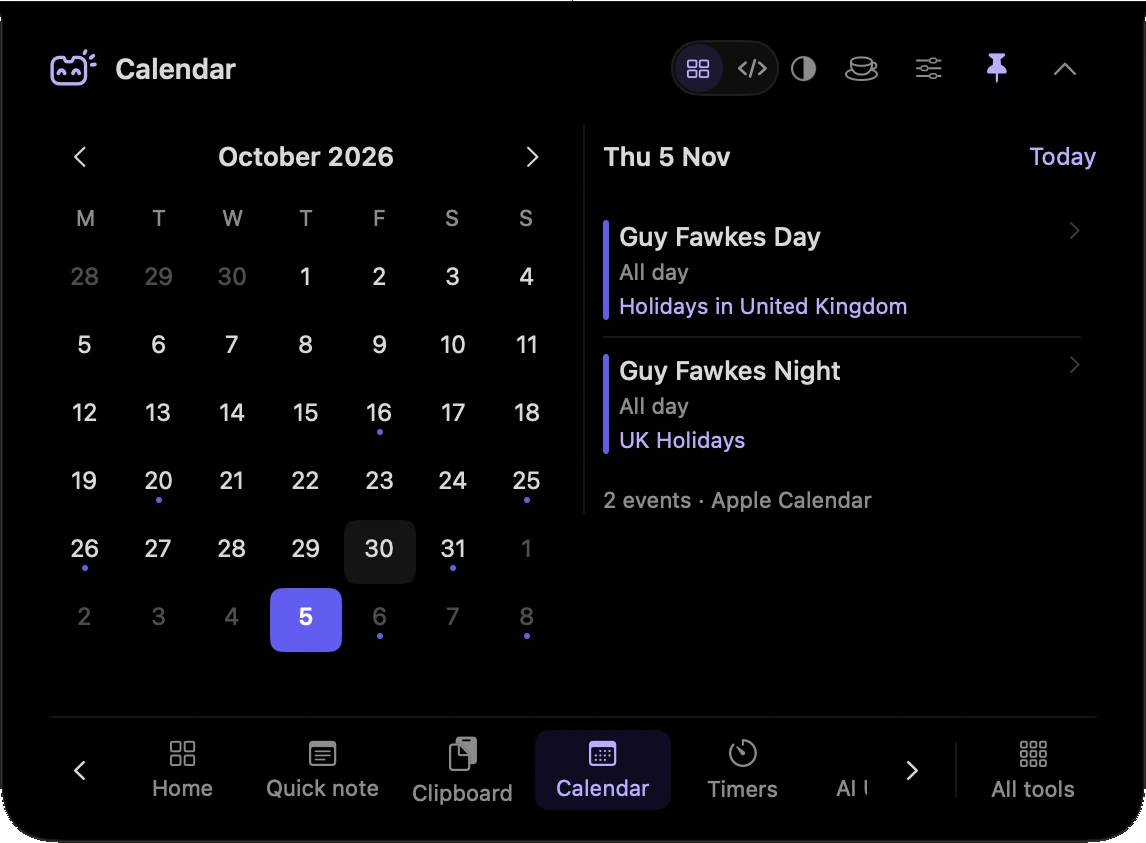
Check dates from a compact calendar view.
See upcoming events without opening a separate calendar window.
Read the calendar data available on your Mac.
Check the next event before deciding how much time you have for a task.
Look at the month while you discuss when something should happen.
Hover over or click the compact notch, use the menu-bar icon, or press Control–Option–Space. Search tools with Control–Option–K. If a shortcut is already taken, check the active shortcut in Settings.
Pin a favourite from All tools for quicker access. More about opening the notch
Closing the notch puts the calendar view away. Your events remain in their existing calendars; reopen the panel to check them again.
Calendar is one of 21 tools and features in MicroNotch.
Back to all toolsSign up for emails about product updates, new features and new products.
£14.99 introductory launch price · two Macs.One-time · licence never expires · standard price £19.99. Buy MicroNotch