 MicroNotch
Set a countdown
Keep track of a stretch of time without another window.
Give the next piece of work a little structure. Start a countdown or a Pomodoro, close the notch and get back to what you were doing.
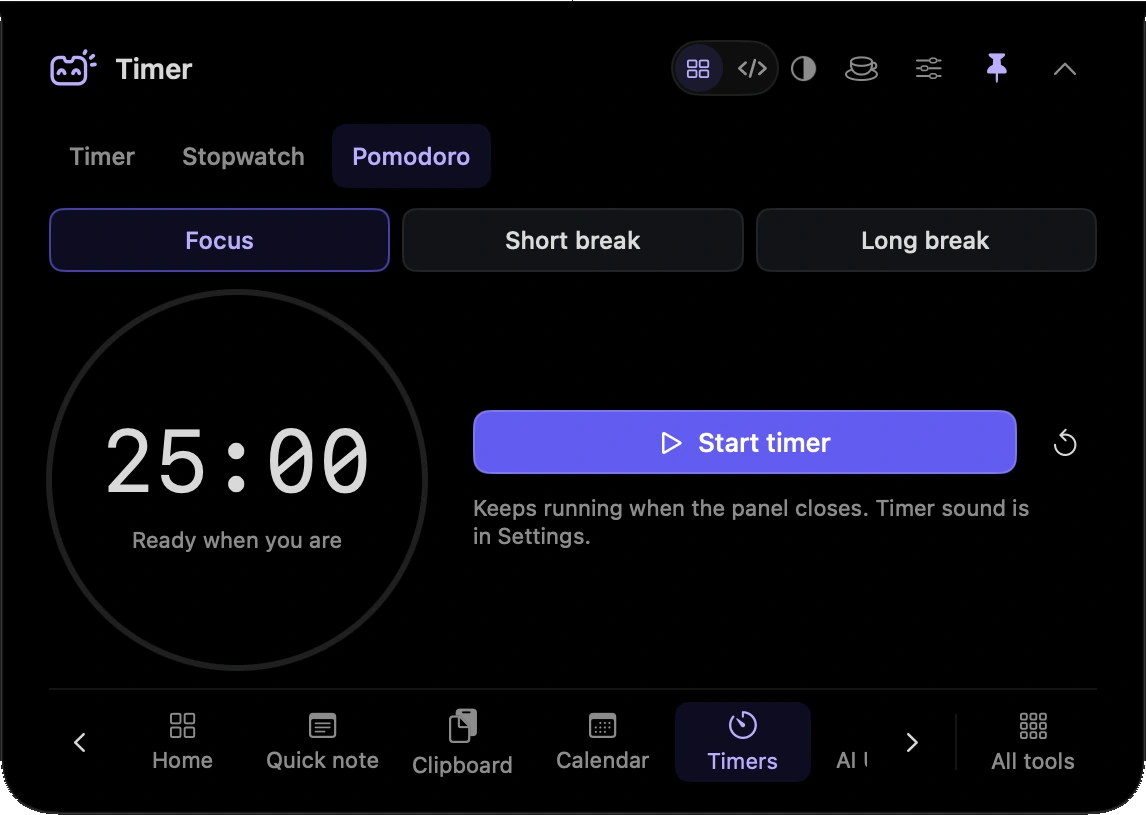
Keep track of a stretch of time without another window.
Use a focus session when you want a clear period for one task.
Measure time as it passes rather than choosing a finish time.
Your running timer keeps going while the panel is out of the way.
Start a Pomodoro for the work in front of you and leave the rest of the screen to that task.
Set a countdown before stepping away so there is a clear point to come back.
Run the stopwatch while you rehearse or work through a task.
Hover over or click the compact notch, use the menu-bar icon, or press Control–Option–Space. Search tools with Control–Option–K. If a shortcut is already taken, check the active shortcut in Settings.
Pin a favourite from All tools for quicker access. More about opening the notch
Timers continue when the notch closes while MicroNotch is running. Closing the panel is different from quitting the app. Code mode can suppress MicroNotch timer sounds while active.
Timers is one of 21 tools and features in MicroNotch.
Back to all toolsSign up for emails about product updates, new features and new products.
£14.99 introductory launch price · two Macs.One-time · licence never expires · standard price £19.99. Buy MicroNotch