 MicroNotch
Check the temperature
Get a quick sense of the weather before you leave your desk.
A quick check is often all you need. See the temperature and forecast for a city you choose, or use your location when that suits you.
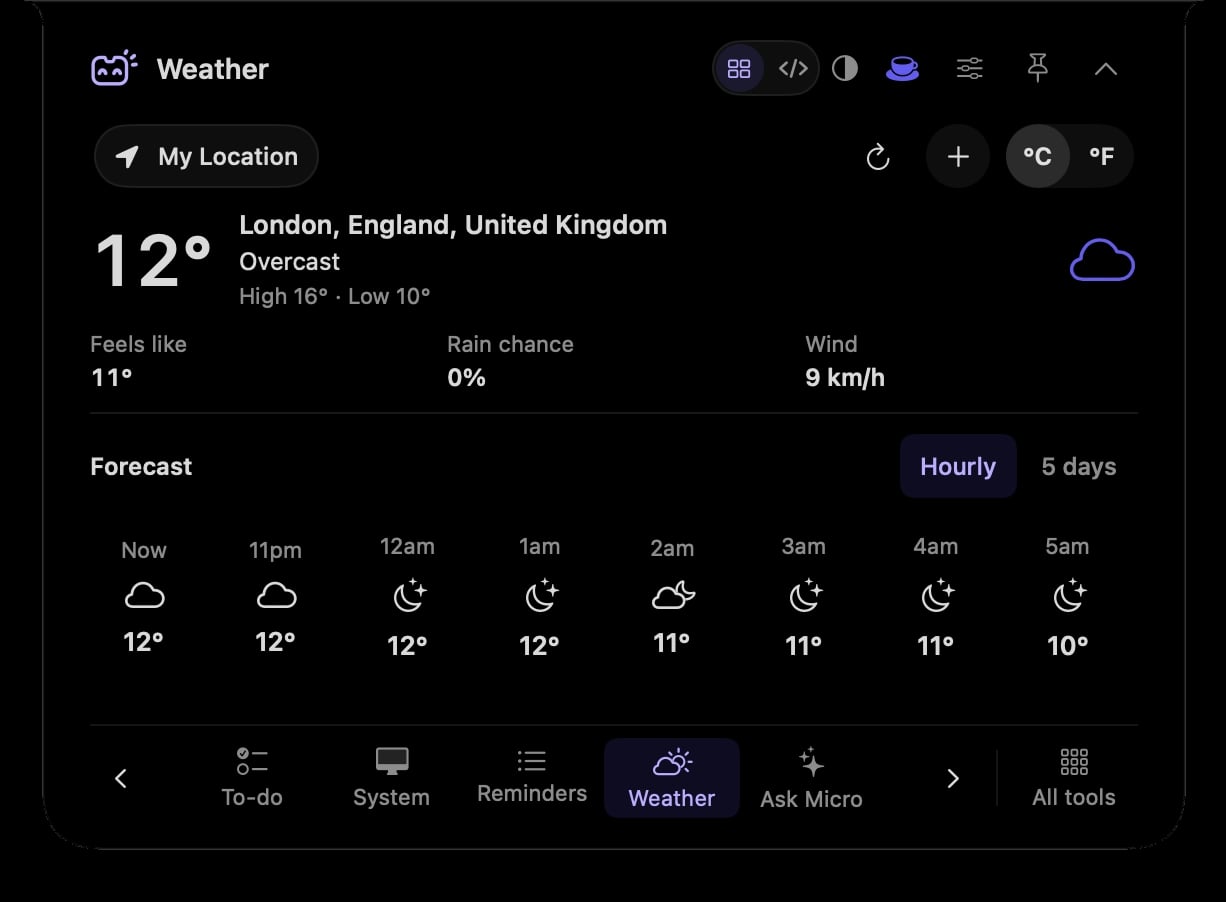
Get a quick sense of the weather before you leave your desk.
Read the forecast in the same compact space.
Search for a city or opt into using your location.
Check the forecast before choosing when to step away from your Mac.
Search the place you are heading to rather than using your current location.
Hover over or click the compact notch, use the menu-bar icon, or press Control–Option–Space. Search tools with Control–Option–K. If a shortcut is already taken, check the active shortcut in Settings.
Pin a favourite from All tools for quicker access. More about opening the notch
You do not need to leave the forecast open. Close the notch and reopen Weather when you want to check it; a closed panel is not a weather alert service.
Weather is one of 21 tools and features in MicroNotch.
Back to all toolsSign up for emails about product updates, new features and new products.
£14.99 introductory launch price · two Macs.One-time · licence never expires · standard price £19.99. Buy MicroNotch