 MicroNotch
See existing reminders
Read reminders available through Apple Reminders on your Mac.
Your reminders already have a home. MicroNotch gives you a way to check them, add another and mark things complete from the top of your screen.
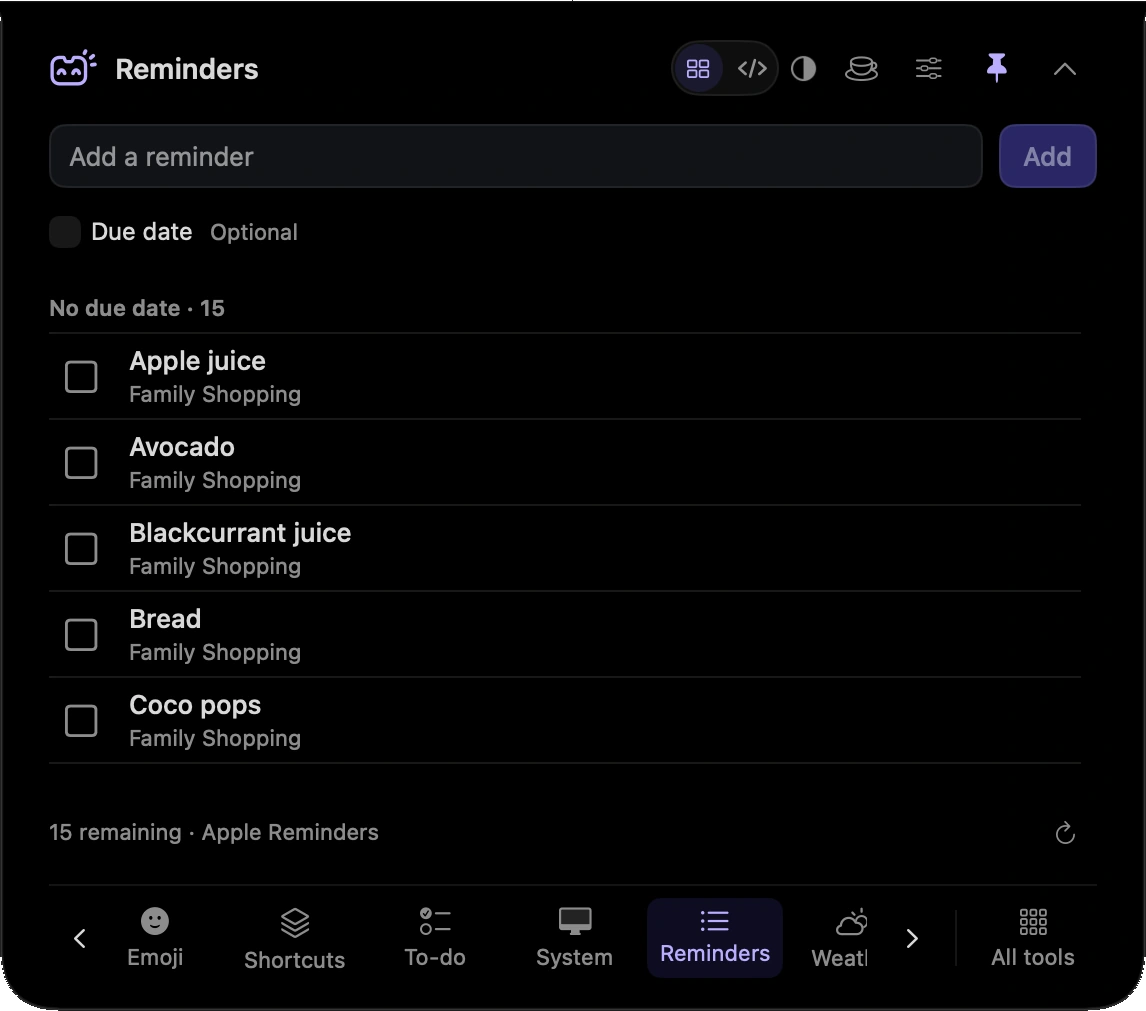
Read reminders available through Apple Reminders on your Mac.
Create a reminder without opening another window.
Tick off a reminder from the notch.
Check what is on your reminder list before you begin the next piece of work.
Add the follow-up you have just agreed, then return to the conversation.
Hover over or click the compact notch, use the menu-bar icon, or press Control–Option–Space. Search tools with Control–Option–K. If a shortcut is already taken, check the active shortcut in Settings.
Pin a favourite from All tools for quicker access. More about opening the notch
Closing the notch closes this view, rather than turning off Apple Reminders. Reopen it to check the list again.
Reminders is one of 21 tools and features in MicroNotch.
Back to all toolsSign up for emails about product updates, new features and new products.
£14.99 introductory launch price · two Macs.One-time · licence never expires · standard price £19.99. Buy MicroNotch