 MicroNotch
Everyday measurements
Convert lengths, weights and other supported units.
Check a measurement without leaving what you are reading. Convert familiar units in the notch, or refresh reference rates when you need currencies.
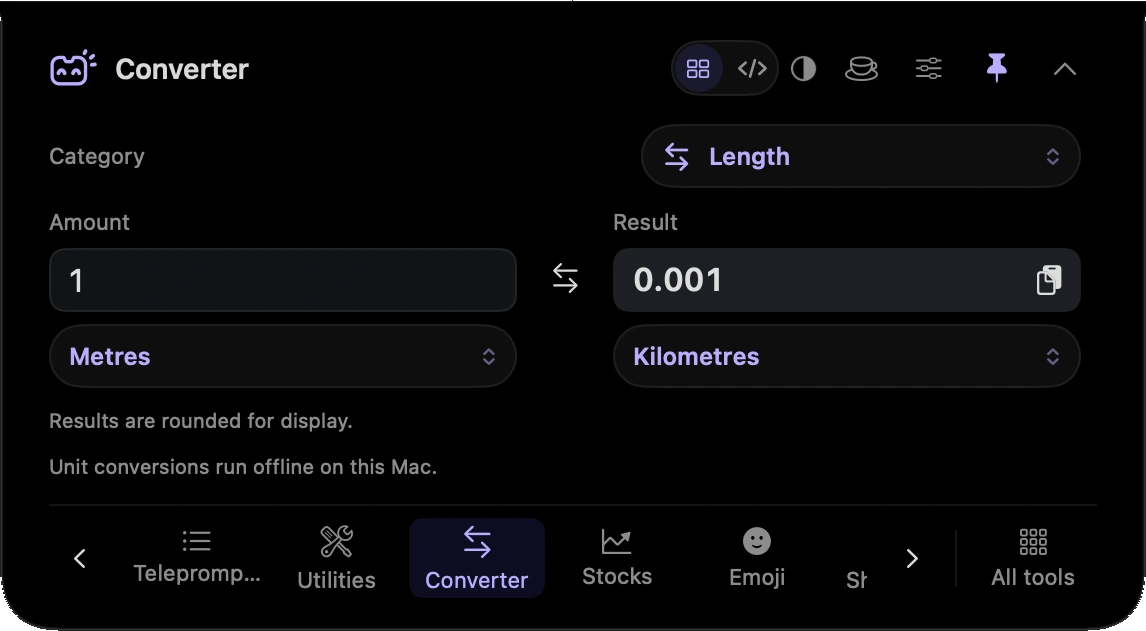
Convert lengths, weights and other supported units.
Check a temperature in the unit you are used to.
Refresh rates online when you need a currency comparison.
Convert a measurement while the product details stay in front of you.
Check a temperature or use refreshed currency reference rates as part of your planning.
Hover over or click the compact notch, use the menu-bar icon, or press Control–Option–Space. Search tools with Control–Option–K. If a shortcut is already taken, check the active shortcut in Settings.
Pin a favourite from All tools for quicker access. More about opening the notch
Converter works when you need a calculation. Closing the notch does not leave a conversion session running in the background.
Converter is one of 21 tools and features in MicroNotch.
Back to all toolsSign up for emails about product updates, new features and new products.
£14.99 introductory launch price · two Macs.One-time · licence never expires · standard price £19.99. Buy MicroNotch