 MicroNotch
Sales and orders
Check the figures available from your connected store.
Check how the store is doing without leaving a dashboard open. Connect a supported provider and keep sales, orders and daily trends close.
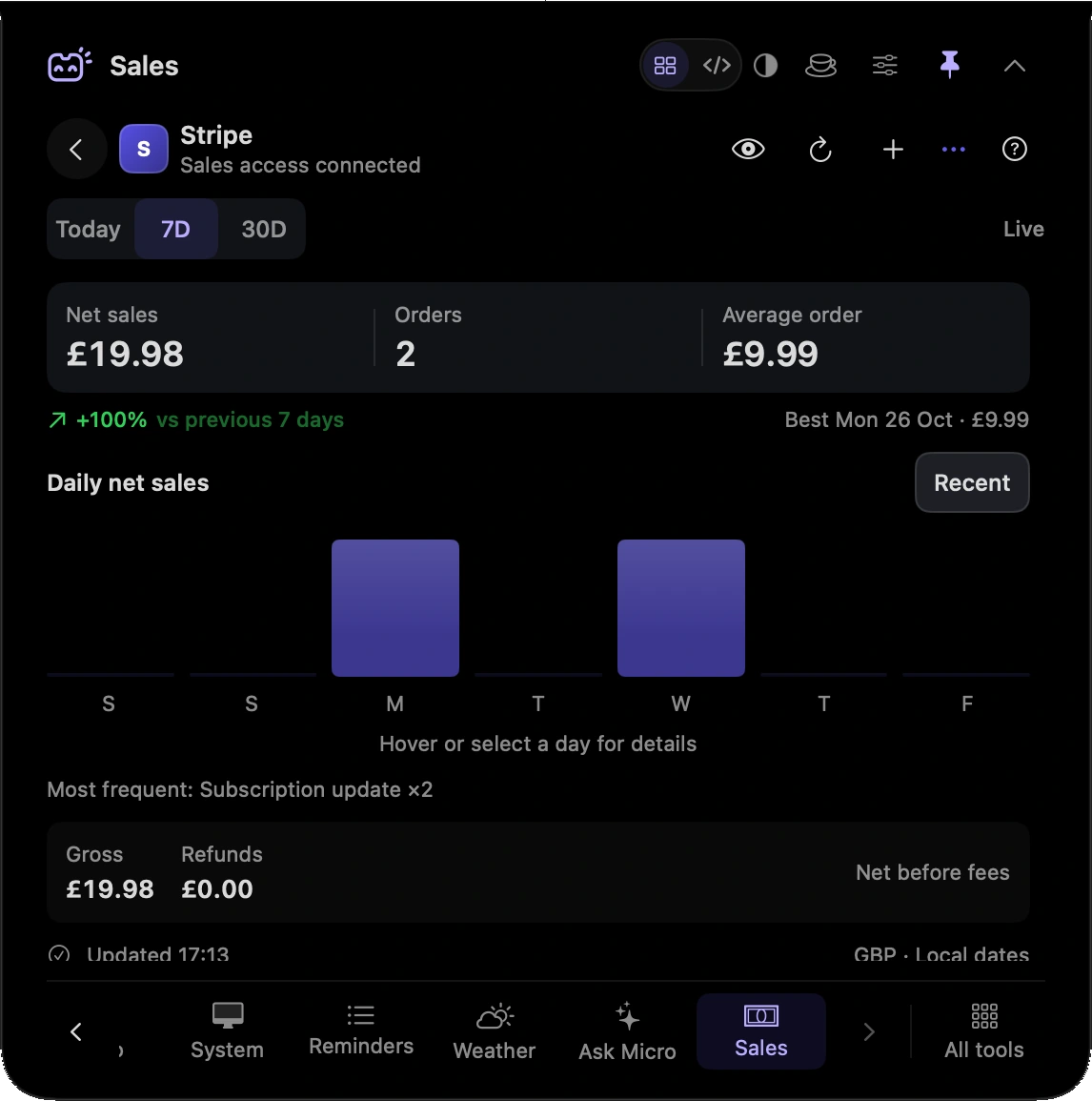
Check the figures available from your connected store.
Look at daily activity from the supported provider.
Read each currency without treating unlike amounts as one total.
Check the refresh state alongside the figures.
Take a quick look at sales and orders before getting back to your product work.
Check the separate currency figures and refresh state rather than assuming everything is one current total.
Hover over or click the compact notch, use the menu-bar icon, or press Control–Option–Space. Search tools with Control–Option–K. If a shortcut is already taken, check the active shortcut in Settings.
Pin a favourite from All tools for quicker access. More about opening the notch
Close the notch between checks. When you return, review the refresh state rather than assuming that a previously displayed figure is current.
Sales is one of 21 tools and features in MicroNotch.
Back to all toolsSign up for emails about product updates, new features and new products.
£14.99 introductory launch price · two Macs.One-time · licence never expires · standard price £19.99. Buy MicroNotch