 MicroNotch
Your existing watchlist
Use the watchlist from Apple Stocks on your Mac.
See the watchlist you already keep in Apple Stocks without opening another window. MicroNotch reads the Mac’s Stocks cache for a quick look.
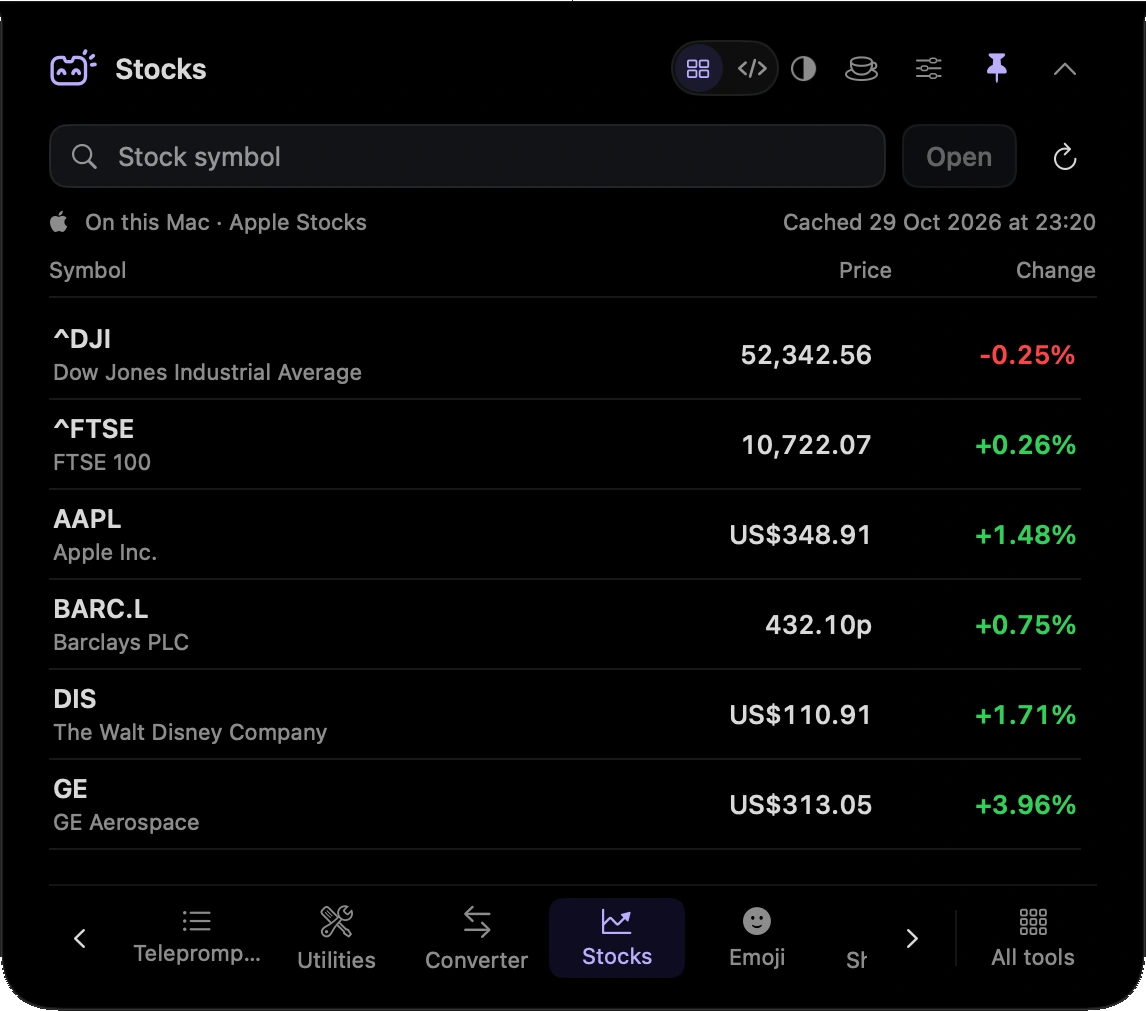
Use the watchlist from Apple Stocks on your Mac.
See the quote data available in the Stocks app’s cache.
Check the list from the notch, then return to your task.
Check the watchlist you have already organised in Stocks without bringing another window forward.
Use Apple Stocks for your watchlist and MicroNotch for a compact view of its cached data.
Hover over or click the compact notch, use the menu-bar icon, or press Control–Option–Space. Search tools with Control–Option–K. If a shortcut is already taken, check the active shortcut in Settings.
Pin a favourite from All tools for quicker access. More about opening the notch
Close the notch when you are done and reopen Stocks for another look. The tool displays cached data; keeping it open does not turn it into a live market feed.
Stocks is one of 21 tools and features in MicroNotch.
Back to all toolsSign up for emails about product updates, new features and new products.
£14.99 introductory launch price · two Macs.One-time · licence never expires · standard price £19.99. Buy MicroNotch