 MicroNotch
See what is playing
Keep track information close while you use another app.
Keep your place in the work and in the music. See what is playing, pause it or skip ahead from the notch, without bringing the player to the front.
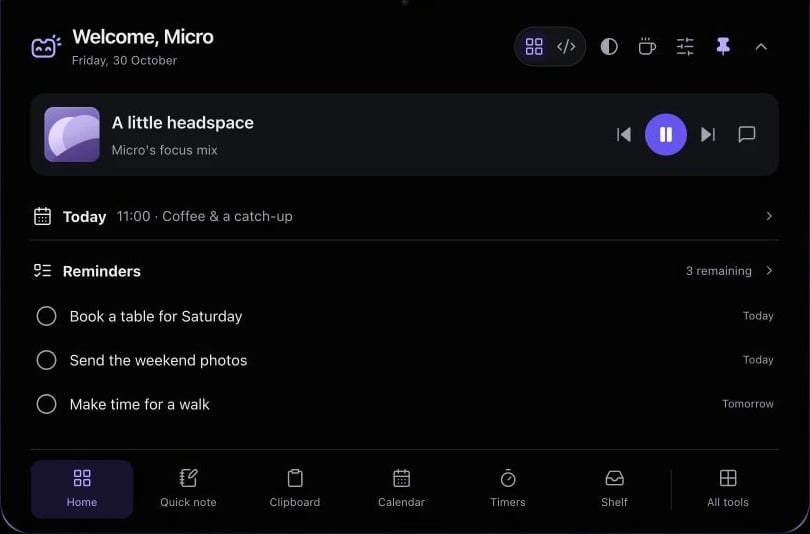
Keep track information close while you use another app.
Use the playback controls for your connected player.
Connect Apple Music or Spotify rather than building another music library.
Pause your connected player from the notch before joining.
Check the track or skip ahead without bringing your music app over the page.
Hover over or click the compact notch, use the menu-bar icon, or press Control–Option–Space. Search tools with Control–Option–K. If a shortcut is already taken, check the active shortcut in Settings.
Pin a favourite from All tools for quicker access. More about opening the notch
Closing the notch does not pause your player. Playback stays with Apple Music or Spotify; reopen the notch when you need the controls.
Music is one of 21 tools and features in MicroNotch.
Back to all toolsSign up for emails about product updates, new features and new products.
£14.99 introductory launch price · two Macs.One-time · licence never expires · standard price £19.99. Buy MicroNotch