Focus & everyday

Apps

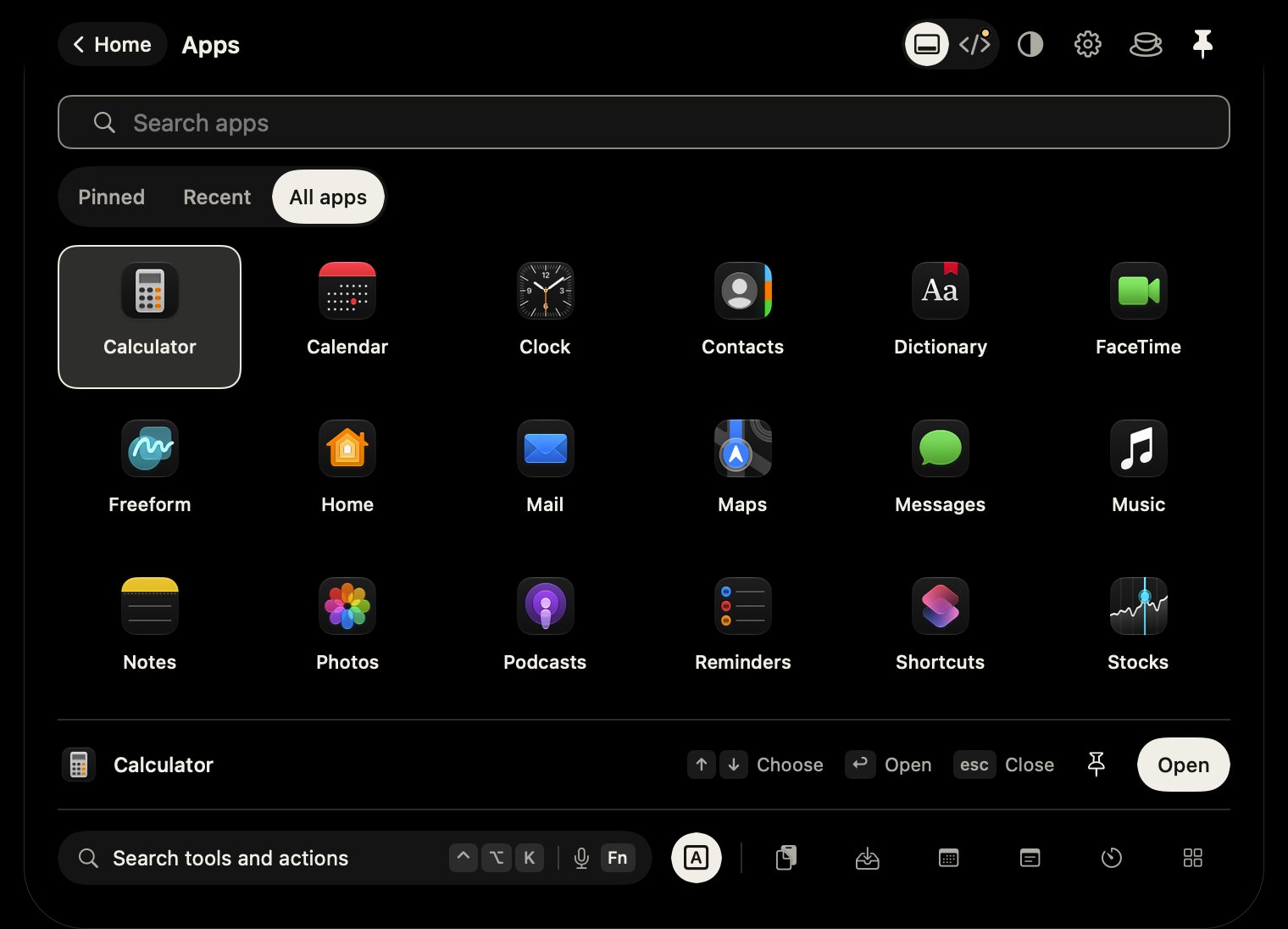
Choose Apps at the bottom of the notch, type a name and open the app you need. Pin the apps you use every day or find one you opened earlier in Recent.

Download for Mac

Free three-day trial. No card needed.

Apps launcher with a search field, Pinned and Recent filters, and a keyboard-selected Calculator app
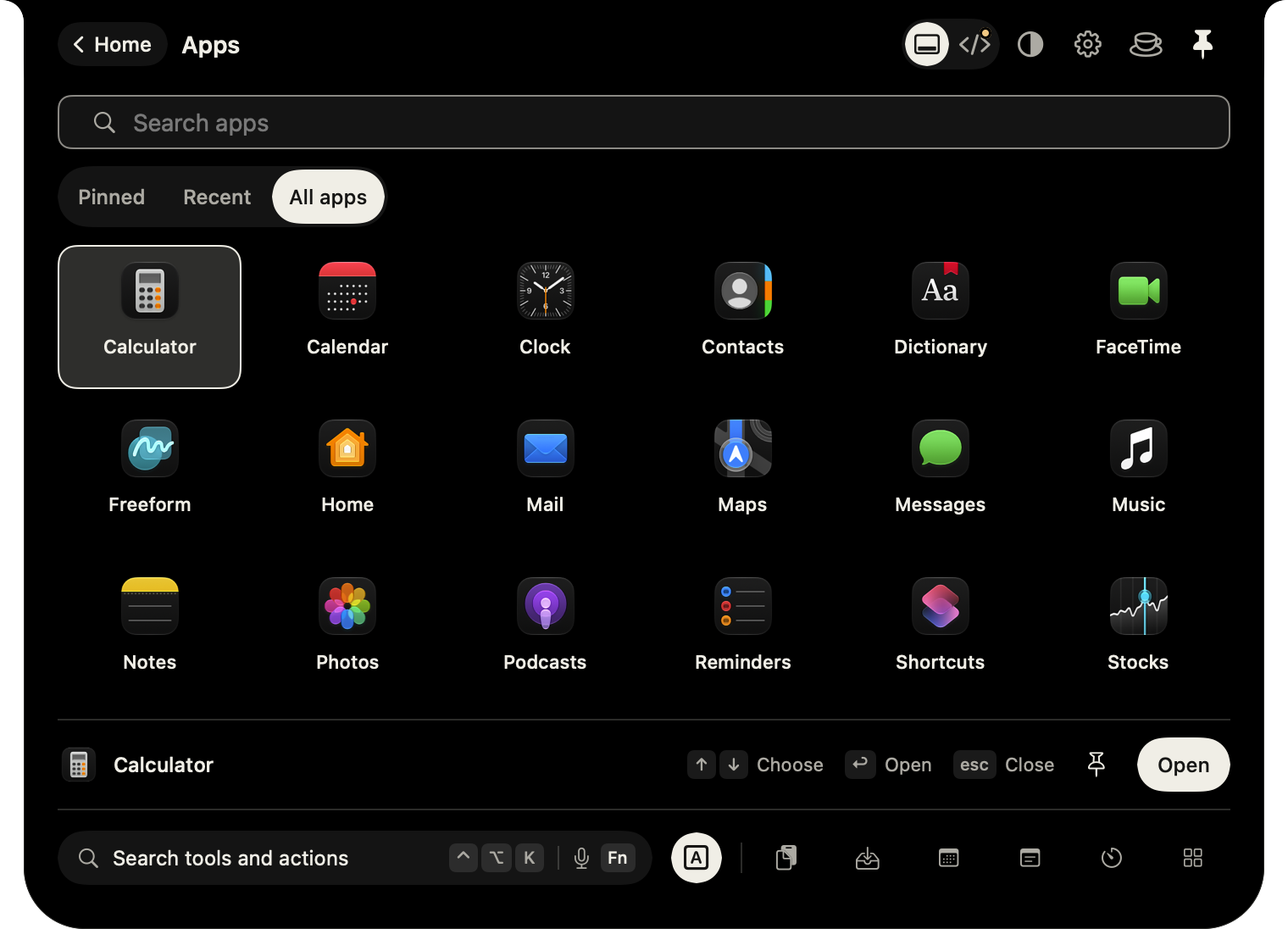
Apps launcher with an example Mac app library.View full size

How to use it.

  1. Open the notch and choose Apps in the bottom menu. You can also choose Open Apps from the MicroNotch menu bar icon.
  2. Browse Pinned, Recent or All apps, or type an app name to search.
  3. Click an app to open it, or select it with the arrow keys and press Return. Press Escape to leave Apps.

When the notch closes

MicroNotch closes the notch and brings the app forward when it opens. Your pinned apps and recent launches are there next time.

What you can do.

Search installed apps
Type into Search apps to look across the whole library, even if you started in Pinned or Recent.
Keep favourites handy
Select an app and click the pin button, or Control-click its icon to pin it. The next time you open Apps, your pinned apps appear first.
Return to a recent app
Recent shows the apps you opened through the launcher, with the latest first.
Launch from the keyboard
Search by name, choose a result with the arrow keys and press Return to open it.

Everyday examples.

Check a figure during a call

Open Apps, type Calculator and press Return to open it.

Start a task you do every day

Pin the browser and editor you use for your project so you can open each from Pinned.

Try MicroNotch on your Mac.

£14.99 one-off for two Macs. All updates are included for as long as MicroNotch is offered.

Back to all tools
Download for Mac

Free three-day trial. No card needed.

Requires macOS 15 Sequoia or later.

Developer ID signed · Notarised by Apple